
PDF Import
It reads PDF charts too
Export is only half of it. Open a PDF chart you bought or downloaded and Crossie reads the grid, matches the symbols back to DMC floss, and hands you a pattern you can stitch, edit, and track like any other.
PDF Export
One tap turns any Crossie pattern into a polished PDF: numbered chart pages, a symbol key, DMC skein estimates, and the fabric cut size. Everything you need to stitch away from the screen.


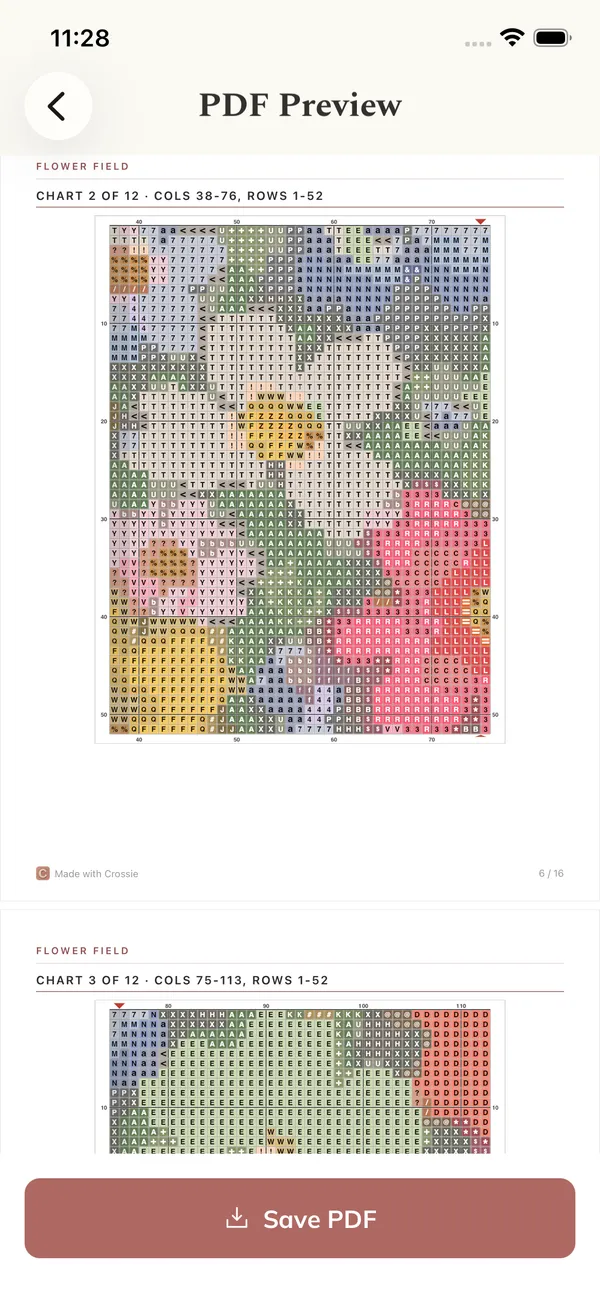
Inside the PDF
Crossie lays out the export the way published patterns are: chart first, materials after, everything numbered so you never lose your place between pages.
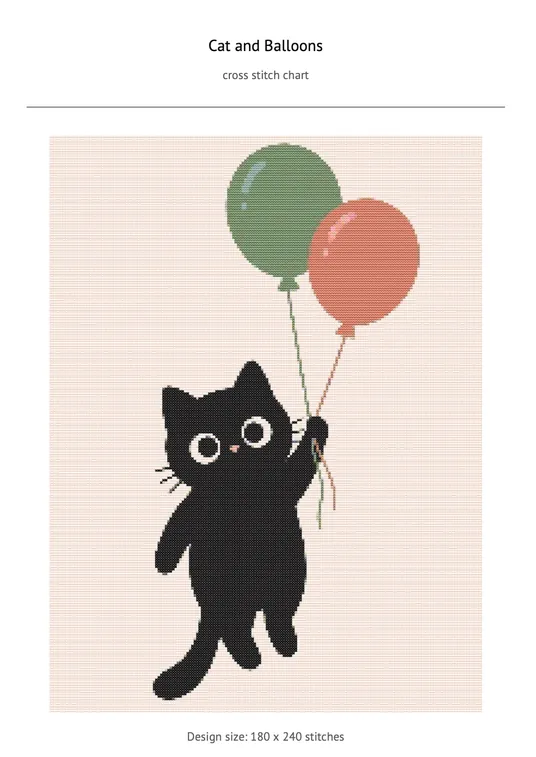
The finished pattern in full color with its size and color count
Large, readable grid pages with bold rules every 10 stitches
Every symbol beside its DMC code, name, and color
Each DMC color with 2-strand skein estimates
How much Aida to cut for your count, with margin
Marked center lines so you start in the right place
PDF Import
Export is only half of it. Open a PDF chart you bought or downloaded and Crossie reads the grid, matches the symbols back to DMC floss, and hands you a pattern you can stitch, edit, and track like any other.
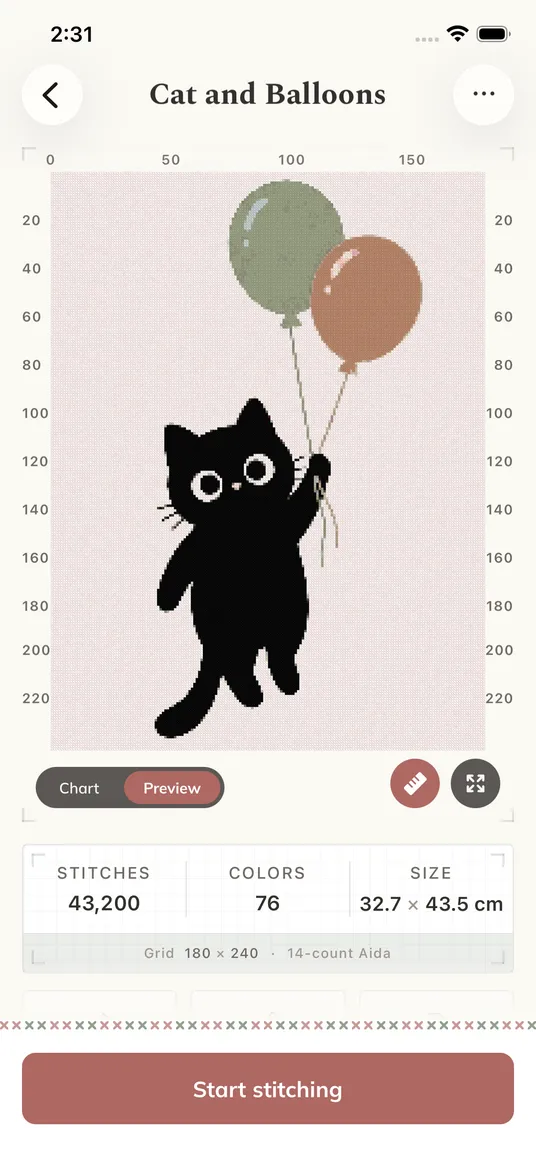
 PDF
PDF Print Tips
Turn off fit to page so the grid stays crisp and squares stay square.
The chart uses symbols on color, so it stays readable on a black and white printer.
Take the materials page to the craft store. Codes and skein counts are already worked out.
A cover with the finished pattern, numbered chart sections sized for printing, a symbol key, a DMC floss shopping list with 2-strand skein estimates, the fabric cut size for your Aida count, and a center crosshair to start from.
Yes. Export the PDF and print it on any home printer, or send it to a print shop. Print at 100 percent scale so the grid stays crisp.
Yes. The materials page lists every DMC color in the pattern with its code, name, and an estimated number of skeins based on 2-strand full cross stitches.
Yes. The PDF is a complete standalone pattern. Print it, mark it with a highlighter, or keep it on a tablet. Your progress tracking stays in the app if you want both.
Next: turn a photo into a pattern, design one from scratch, or track your stitching in the app. Planning a project first? The free fabric calculator sizes your Aida before you start. Charts you bought elsewhere can live in your pattern library too, and there are plenty of free charts worth downloading to start with.