
Photo to Pattern
Turn a photo into a cross stitch pattern
Crossie converts any picture into a counted cross stitch chart with matched DMC floss colors. Pick a photo, choose your size and colors, and start stitching in minutes.


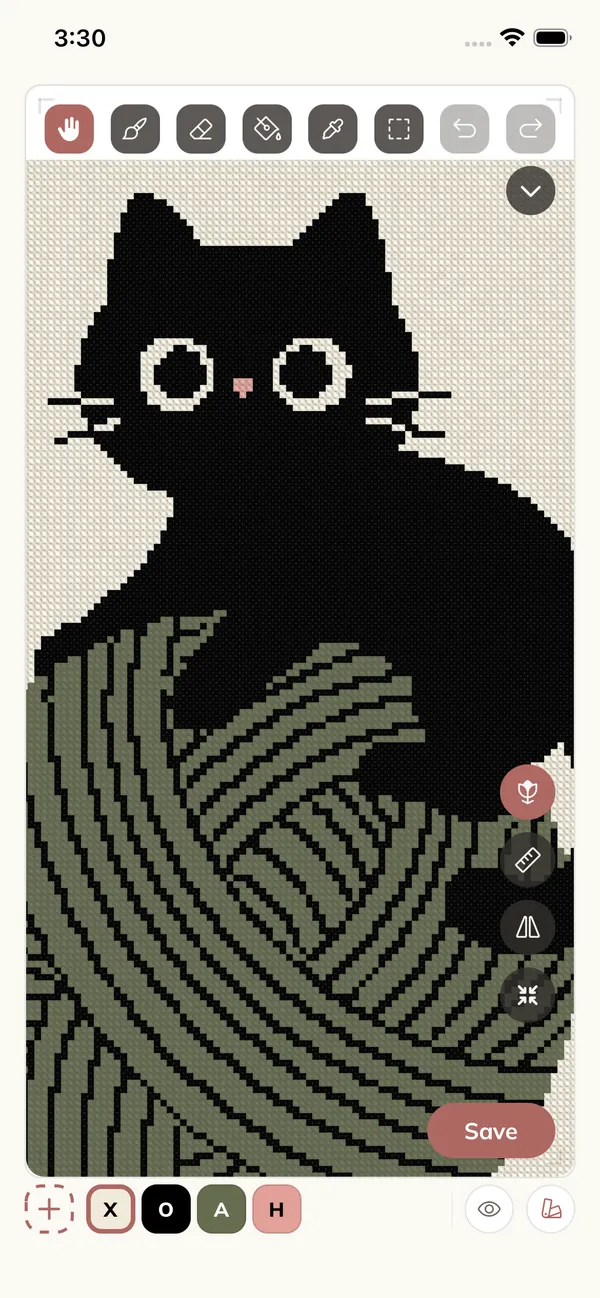
How It Works
Three steps from picture to chart
-
Pick a photo
Choose any picture from your library. Portraits, pets, flowers, wedding photos, and illustrations all work.
-
Tune size and colors
Set how many stitches wide and how many floss colors you want. Crossie shows the finished size for your Aida count as you adjust.
-
Stitch or export
Edit the chart, track your progress stitch by stitch, or export a print-ready PDF with a shopping list.
Stitch Count
You choose the detail
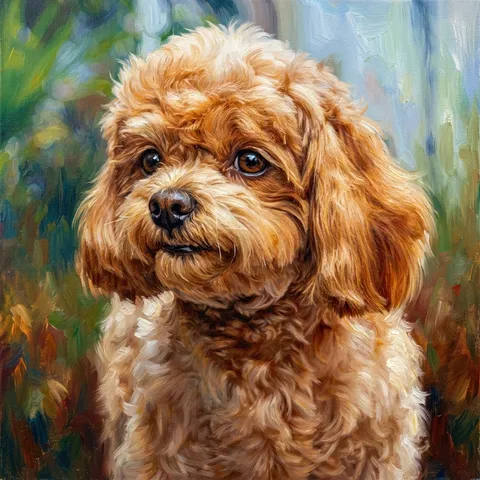
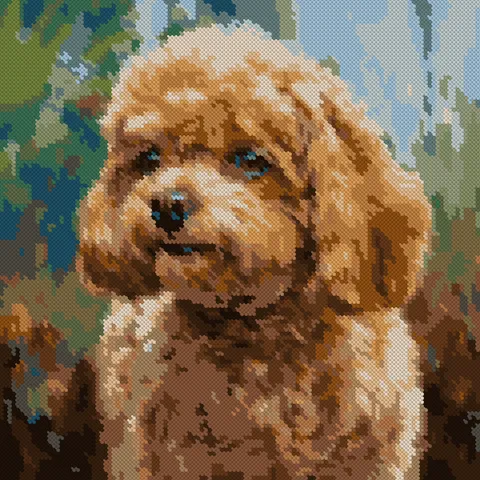
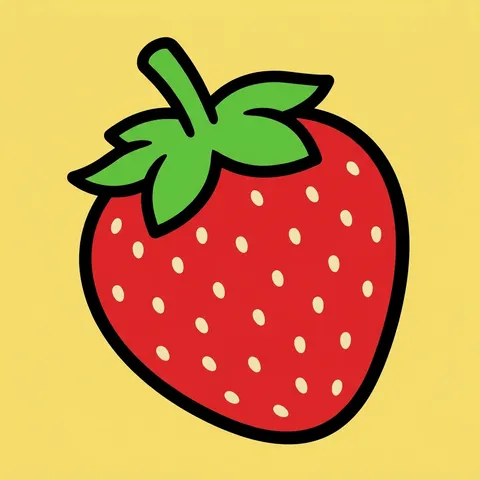
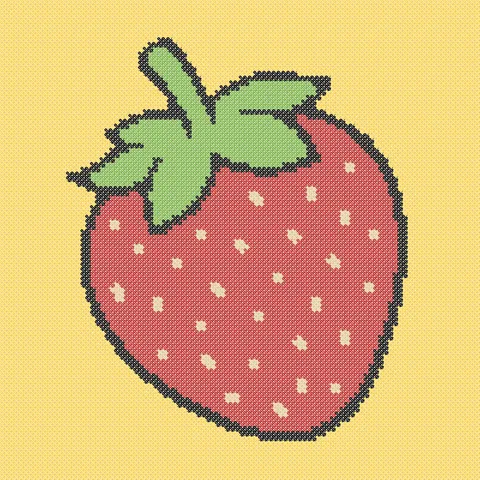
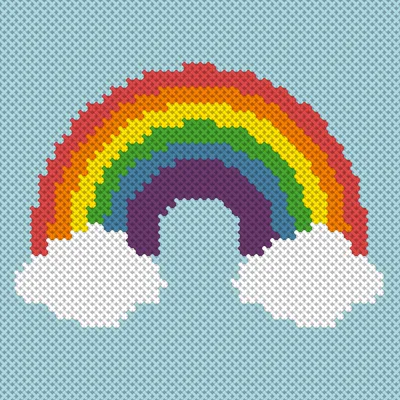
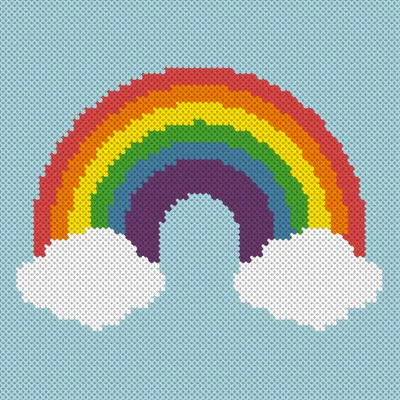
The same rainbow at four different widths. Fewer stitches means a quicker, chunkier project. More stitches means finer detail. Crossie lets you slide between them and see the result before you commit.


DMC Floss Matching
Every color is a real skein
Crossie matches each shade in your photo against 489+ standard DMC floss colors using perceptual color science, so the chart you stitch looks like the picture you chose. Each color in the key shows its DMC code and name, and the export includes skein estimates so you know exactly what to buy.
Too many close shades? Use Reduce Colors to merge similar colors into fewer threads, or replace any color in the chart with a different DMC pick. The chart updates instantly. Curious how a single color maps to floss? Try the free DMC color matcher right in your browser.
Photo conversion FAQ
How do I turn a photo into a cross stitch pattern?
Open Crossie, choose From a Picture, and pick any photo. Choose how many stitches wide and how many colors you want, and Crossie builds the counted chart with matched DMC floss colors in seconds.
Can I edit the pattern after converting?
Yes. Every converted chart opens in the editor, where you can swap a DMC color for another, merge similar shades to use fewer threads, or repaint areas square by square.
What photos work best for cross stitch patterns?
Clear subjects with good contrast work best. Portraits, pets, flowers, and simple illustrations convert beautifully. You can reduce colors afterward to merge similar shades into fewer DMC threads.
Next: edit the chart your photo made, keep your place with the progress tracker, or print it as a PDF. Every pattern you make is kept in your library with its own progress.