
Stitch Mode
Keep track of every stitch
Crossie's progress tracker keeps your place in any counted chart. Tap to mark, drag to fill, focus one floss color at a time, and let Find Next take you straight to the next unstitched square.


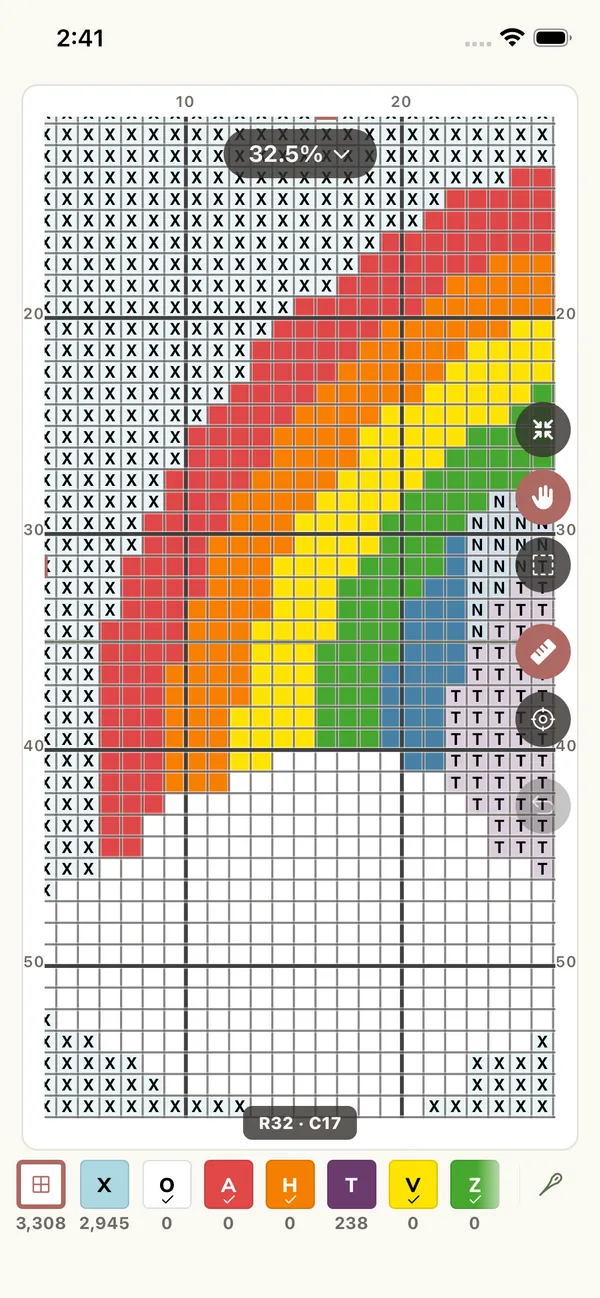
Never Lose Your Place
Built for how stitchers actually work
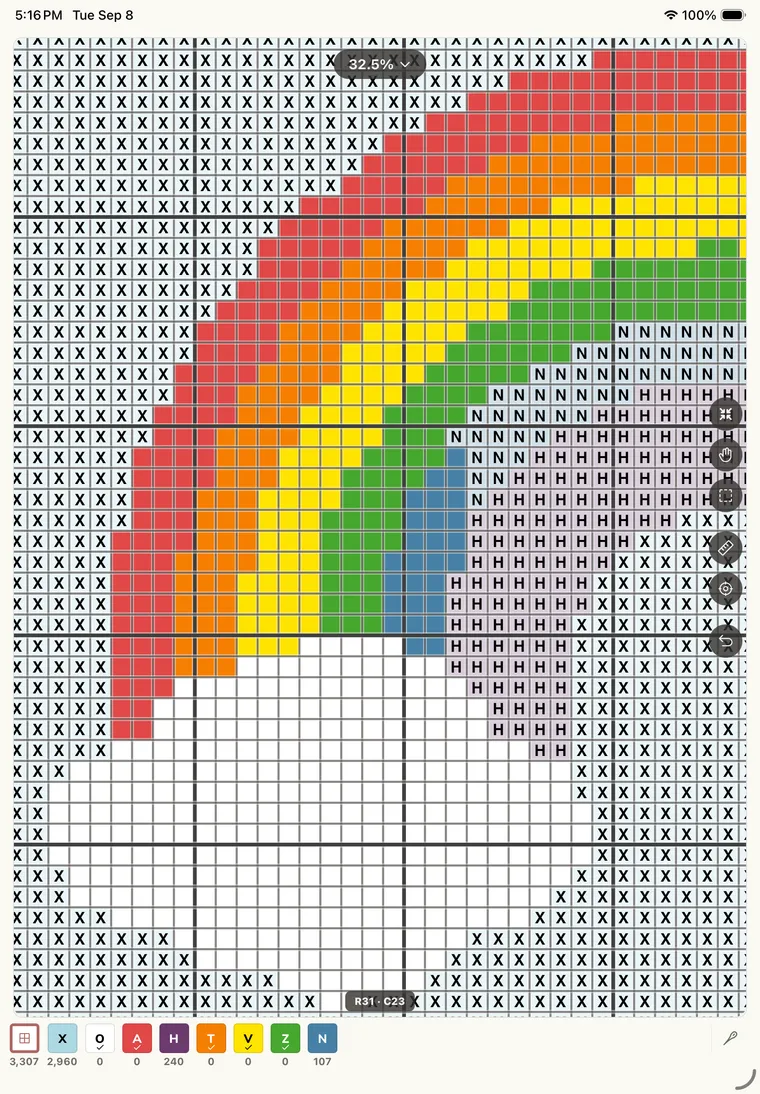
Tap to mark, drag to fill
Mark stitches as fast as you make them. Completed squares dim out of the way, and a marquee lets you mark or unmark a whole area at once.
Focus one color
Pick the thread on your needle and the chart lights up every square that uses it while locking the rest. Stitch the whole color, then move to the next.
Find next stitch
One tap jumps the chart to the next unstitched square, so coming back after a break never means hunting through the pattern.
Progress at a glance
See stitches done against the total, today's count, and your day streak. Watching the percentage climb is half the fun.
Distraction-free stitching
Zoom in and the interface tucks itself away, leaving just you and the chart. Zoom out and your tools come back.
Every project in one place
Your library keeps each work in progress with its own chart, colors, and progress, so swapping between projects is painless.
Sync Across Devices
One project, every device
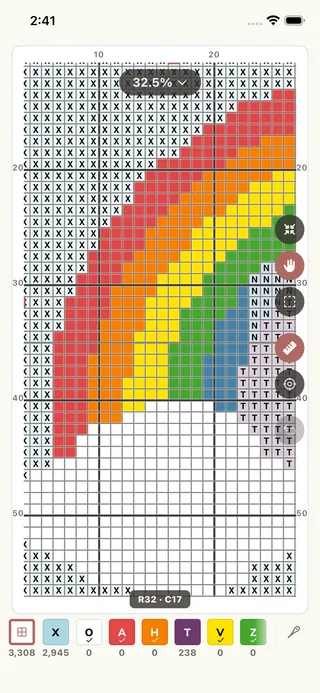
Turn on sync and your patterns and stitching progress stay in step across your devices. Mark off a row on your phone, then pick the same project back up on your tablet exactly where you left it.
Progress tracker FAQ
How does the stitch tracker work?
Open any pattern in Stitch Mode. Tap a square to mark it done, or drag to fill a run of stitches. Completed squares dim so you always see what is left, and your progress percentage updates as you go.
Can I track one color at a time?
Yes. Focus a color and the chart lights up every square that uses it while locking the rest, so you can stitch a whole thread without losing your place. Find Next jumps to the next unstitched square of that color.
Does my progress sync between devices?
Yes. With sync turned on, patterns and stitching progress stay in step across your devices. Mark stitches on one device and pick up on the other.
Can I track a pattern I did not make in Crossie?
You can recreate any chart in the editor and then track it, and you can track any pattern generated from a photo. Progress tracking works with every pattern in your Crossie library.
Next: make a chart from a photo, design your own pattern, or print a PDF for stitching offline. Crossie also works as a pattern keeper for the charts you already own.