
Photo to Pattern
Make patterns from pictures
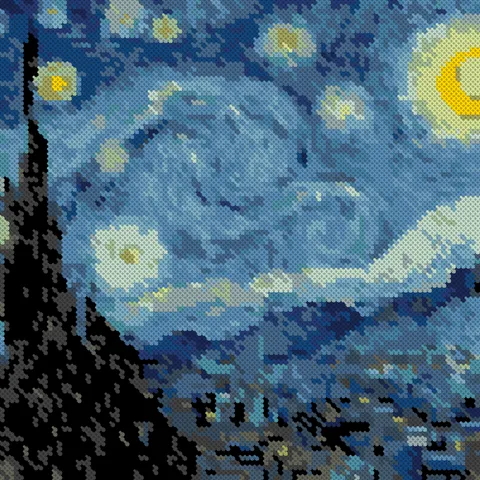
Pick any photo and choose your stitch count and colors. Crossie builds the chart and matches each shade to one of 489+ DMC floss colors, so your shopping list is ready before you thread a needle.
Cross Stitch App
Turn a photo into a counted chart, design your own from a blank grid, mark off every square as you stitch, and print the pattern with its floss list.


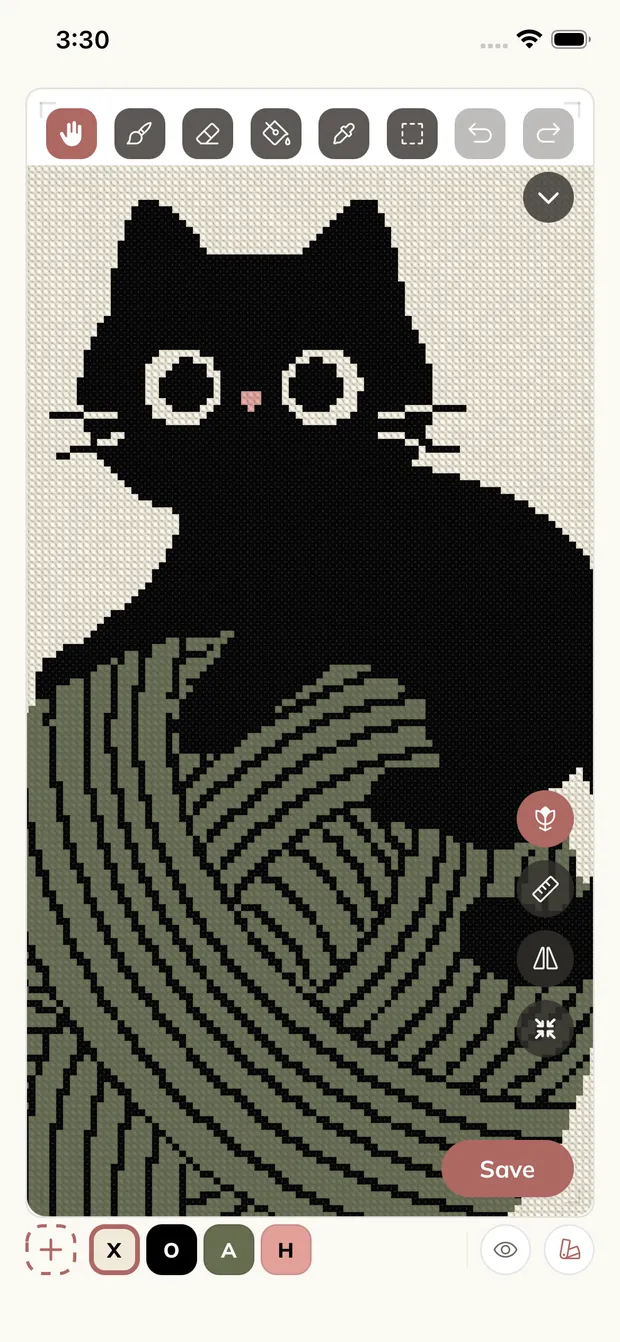
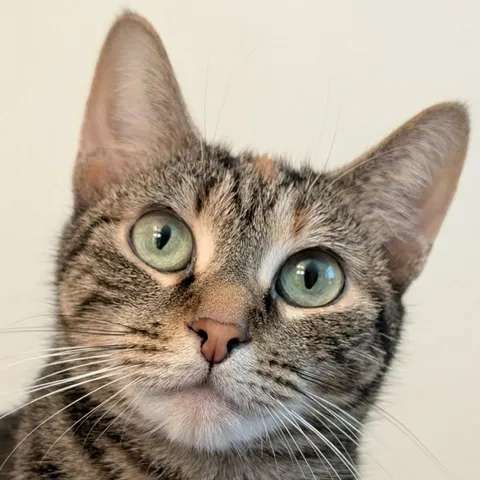
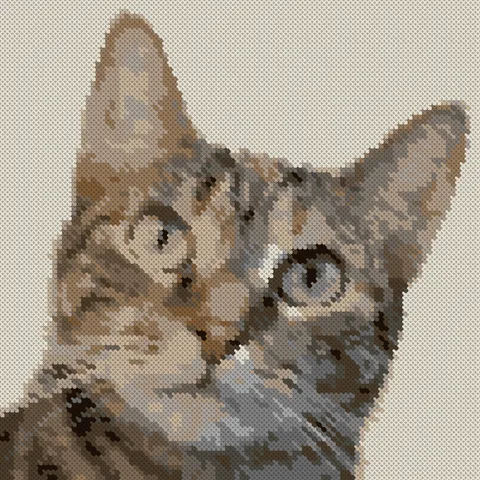
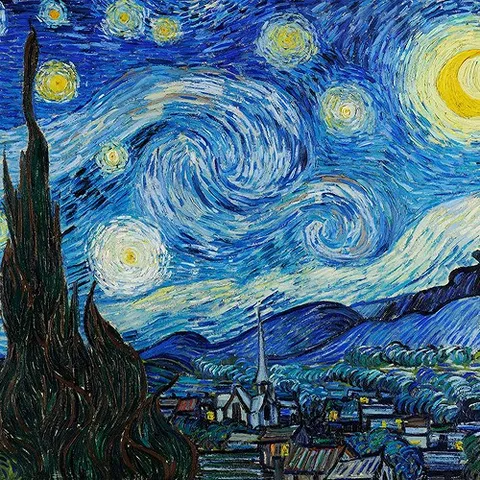
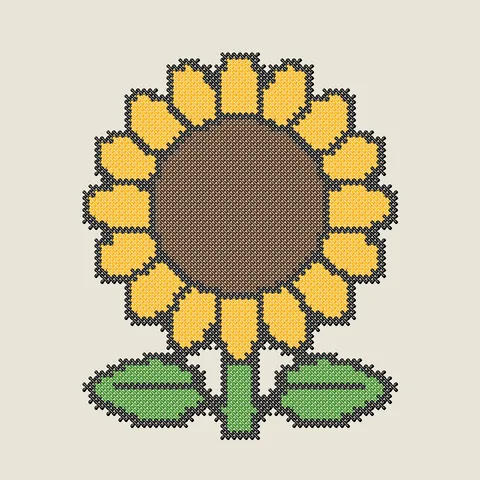
Portraits of people and pets, everyday photos, artwork and paintings, simple illustrations and logos. Crossie reads whatever you give it, matches every shade to real DMC floss, and lays the result out as a chart you can stitch square by square.

Everything in One App
Photo to Pattern
Pick any photo and choose your stitch count and colors. Crossie builds the chart and matches each shade to one of 489+ DMC floss colors, so your shopping list is ready before you thread a needle.
Design and Edit
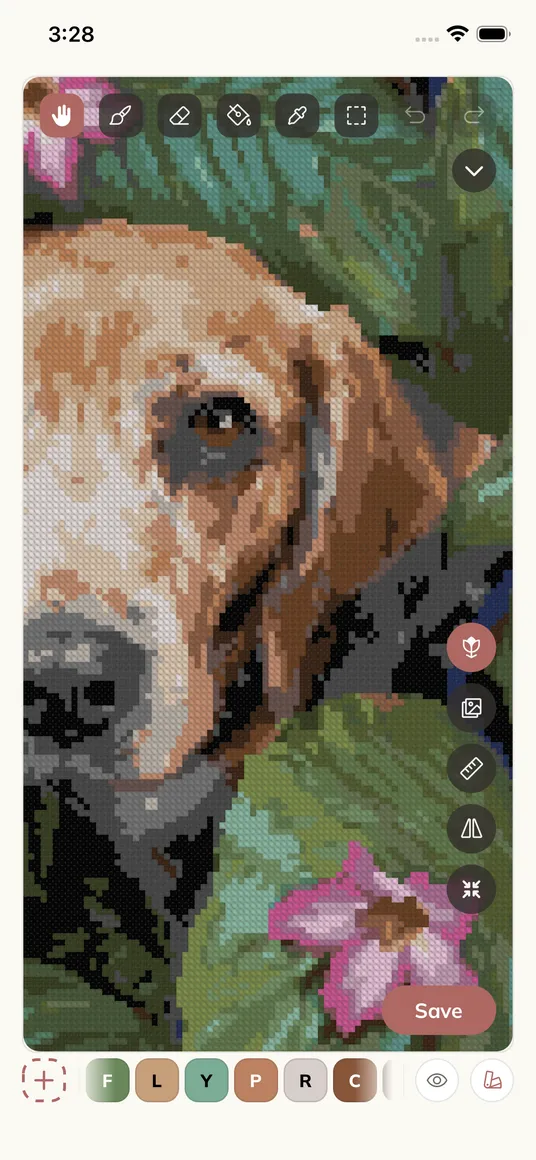
Start from a blank grid or tweak a generated chart. Paint, fill, erase, select and move, merge colors, and mirror strokes across the center lines so you draw one quarter and get the rest. Apple Pencil feels right at home on iPad.
Stitch Mode
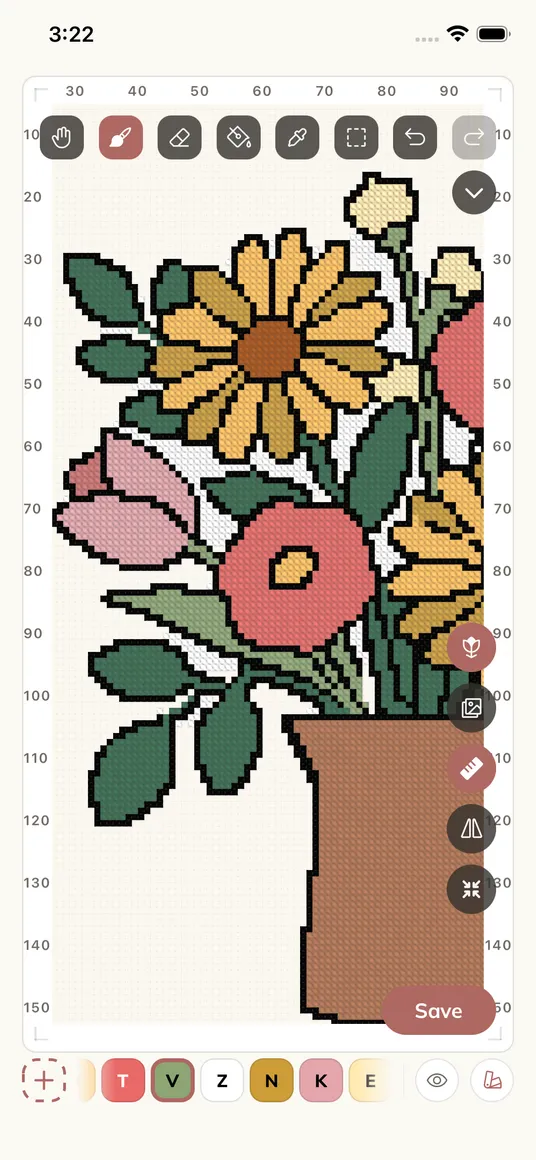
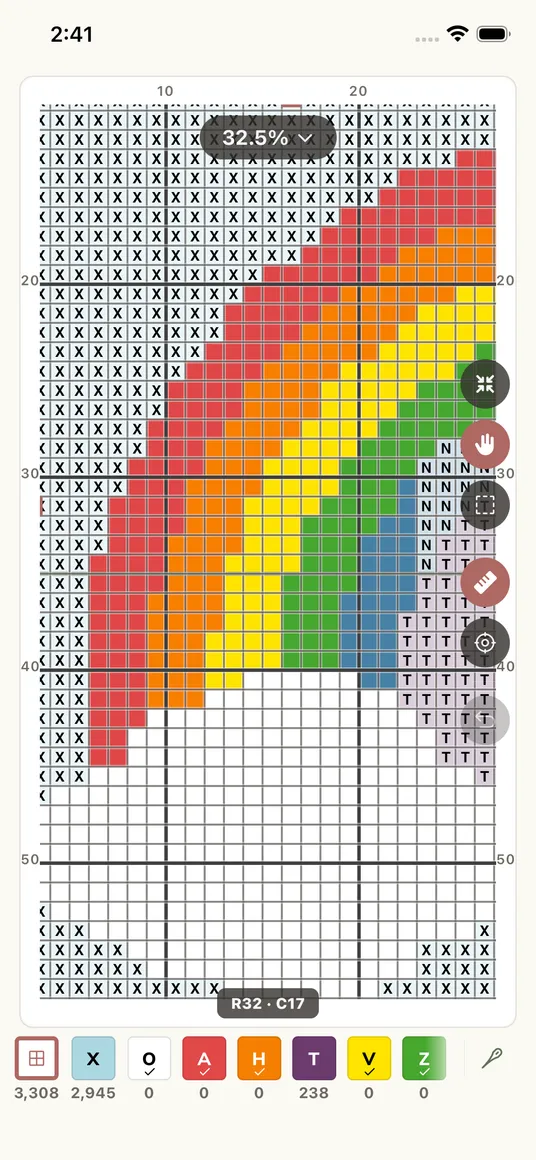
Tap to mark, drag to fill. Focus one color and the chart lights it up while locking the rest, and Find Next jumps straight to the next unstitched square. Your progress, streaks, and daily counts are always at a glance.
Print and Share
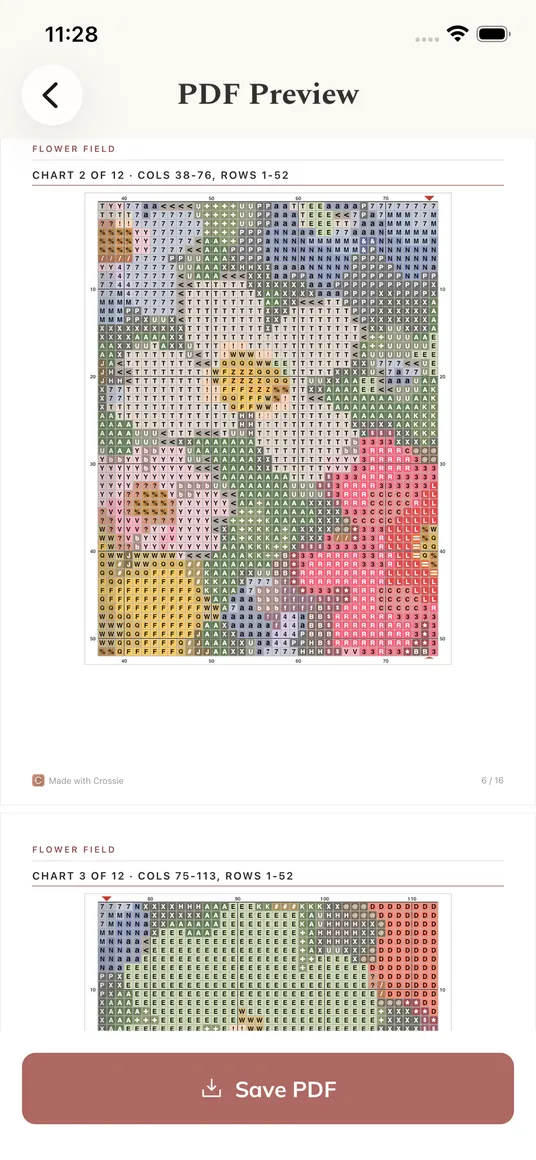
One tap turns any pattern into a print-ready PDF with numbered chart sections, a symbol key, skein estimates, and a DMC shopping list, so you can stitch away from the screen whenever you like.
PDF Import
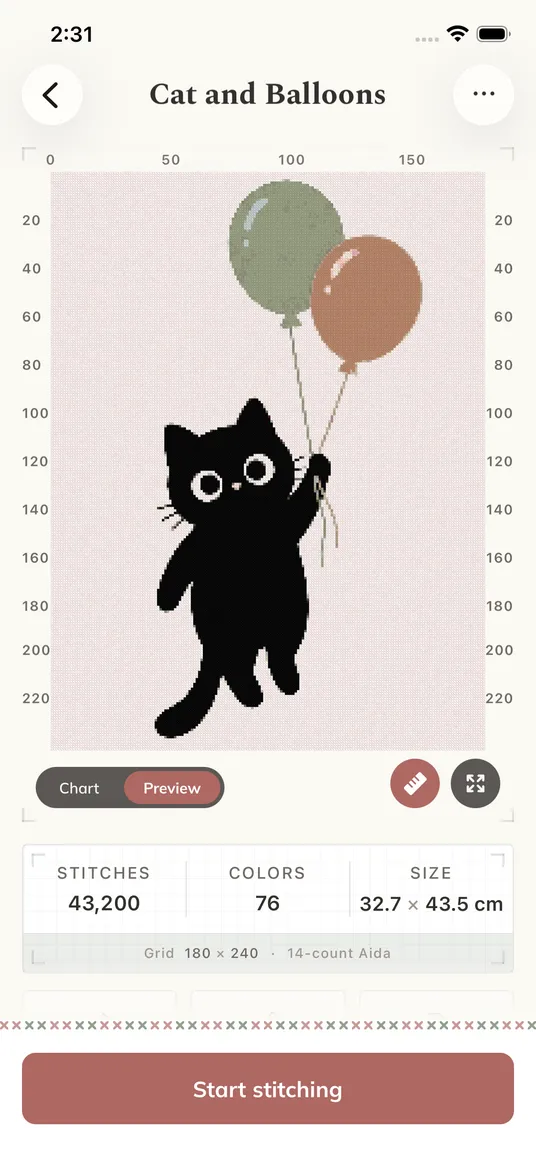
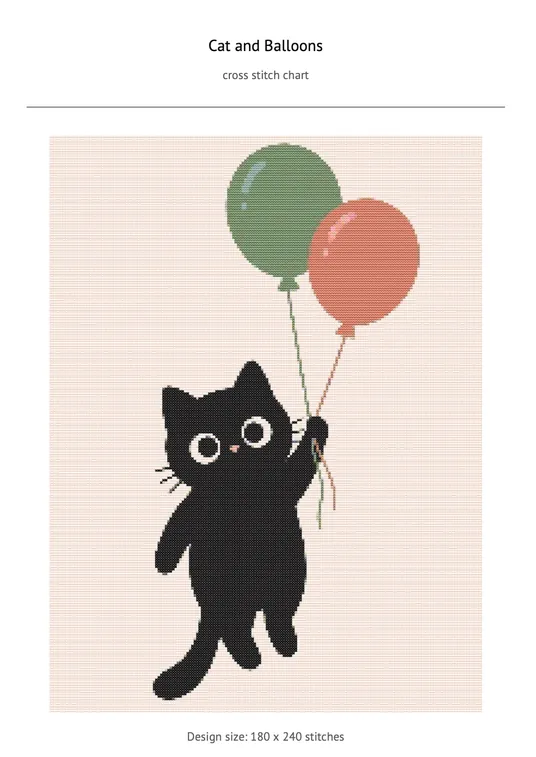
Open a PDF chart you bought or downloaded and Crossie reads the grid, matches the symbols back to DMC floss, and hands you a pattern you can stitch, edit, and track like any other.
 PDF
PDF If you are starting out, there are small practice patterns and a guide that covers reading a chart and counting squares, and Stitch Mode holds your place one square at a time. If you have been stitching for years, the editor gives you square by square control, charts up to 500 x 500 stitches with 120 colors, mirror painting, and Apple Pencil on iPad.
Crossie is a cross stitch app that turns photos into counted charts with matched DMC floss colors, lets you design patterns from a blank grid, tracks your progress stitch by stitch, and exports print-ready PDF patterns.
Pick a photo and choose your stitch count and number of colors. Crossie analyzes the picture, matches each shade to a real DMC floss color, and builds a counted chart you can edit, stitch, or export.
Yes. Any pattern exports as a print-ready PDF with a symbol key and a DMC floss shopping list, so you can stitch away from the screen.
Crossie matches colors to the standard DMC floss palette, so every color in your chart is a real skein you can buy at any craft store.
Sync is available on iPhone, iPad, and Mac today. Turn it on in Profile and your patterns and stitching progress stay in step across your Apple devices, so you can mark stitches on one and pick up where you left off on another. Sync for Android is coming soon.
iPhone and iPad (iOS 16.4 or later), Mac with Apple silicon, Apple Vision Pro, and Android phones and tablets.