
Pattern Keeper
A pattern keeper for every chart you own
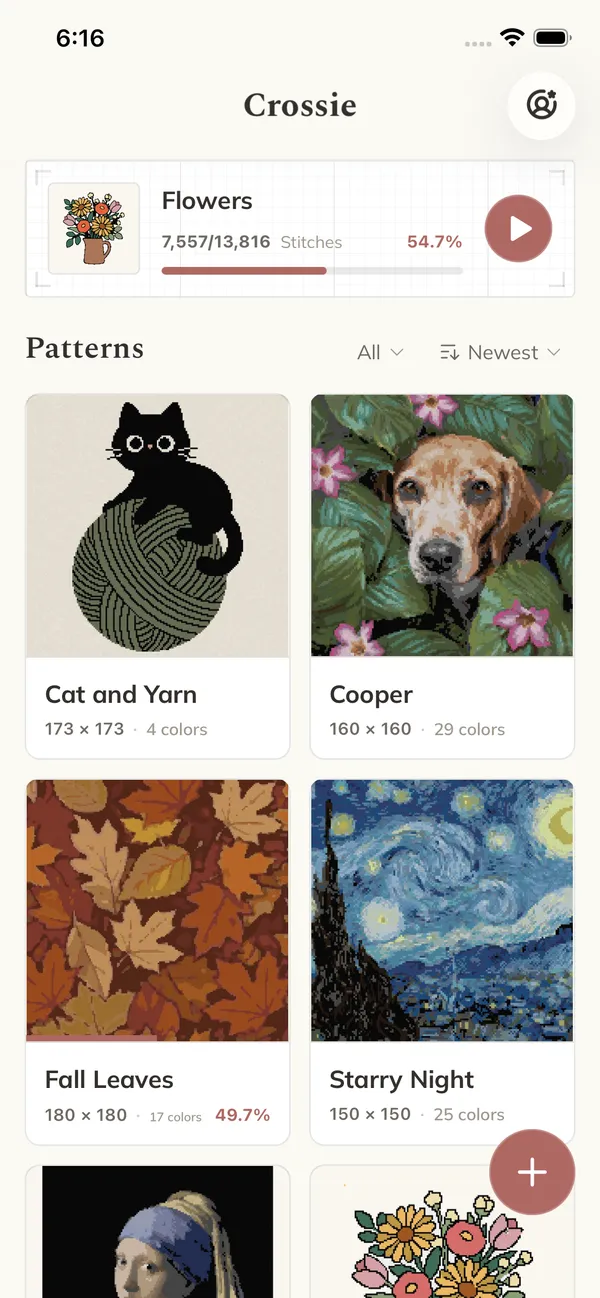
Crossie keeps your cross stitch patterns and your place in them. Bring in the PDF charts you already own, keep them all in one library, and tap off each stitch as you go. No printouts, no highlighter, no losing the row you were on.


 PDF
PDF PDF Import
Bring in the charts you already bought
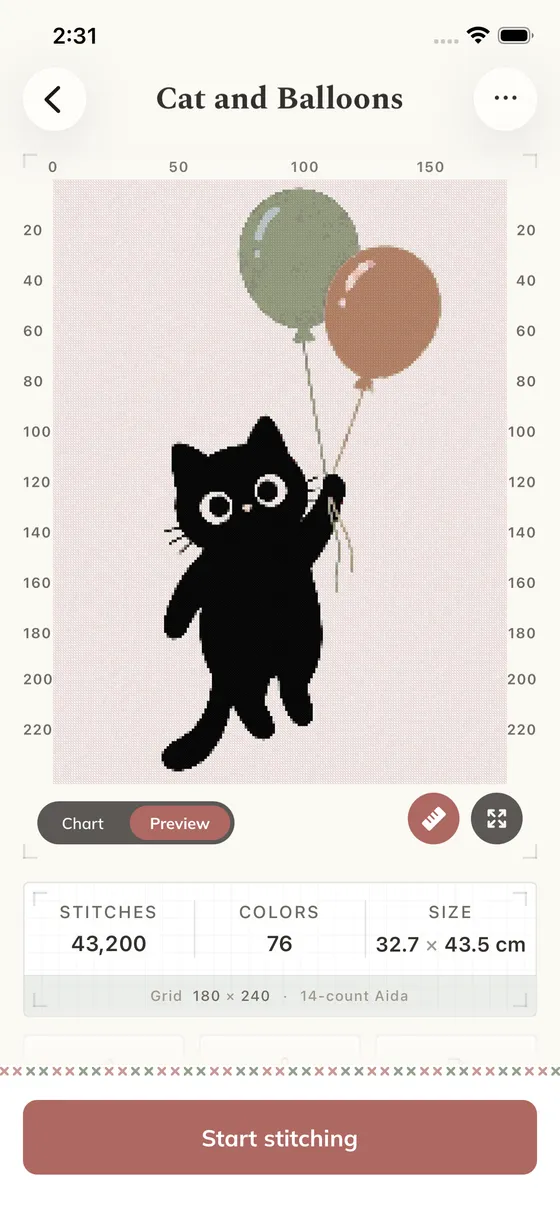
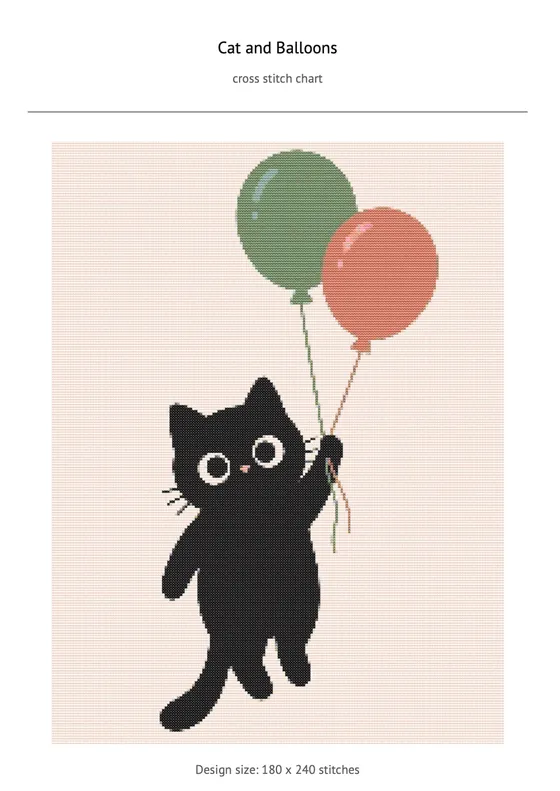
Open a PDF chart from a designer, a shop, or your own downloads folder. Crossie reads the grid, matches the symbols back to DMC floss, and hands you a working pattern in seconds.
From there it behaves like everything else in your library: stitch it, recolor it, edit a square you want to change, or export a fresh PDF of it.
Keep Your Place
Pick up exactly where you left off
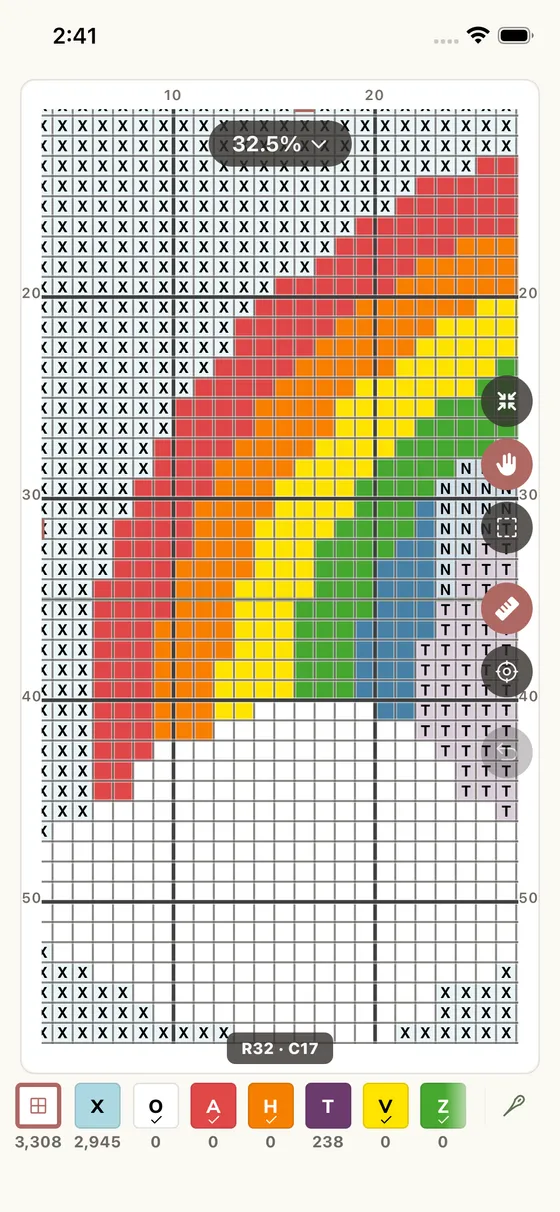
Open a pattern and tap off stitches as you make them. Every mark is saved as you go, so you can put your phone down mid row and pick the same piece back up later.
Pattern keeper FAQ
What does a pattern keeper app do?
It holds the cross stitch charts you own and keeps your place in them. Instead of printing a chart and marking it with a highlighter, you open it on your phone or tablet, tap squares as you stitch them, and the app remembers exactly how far you got in every project.
Can I keep charts I bought somewhere else?
Yes. Open a PDF chart you bought or downloaded and Crossie reads the grid, matches the symbols back to DMC floss, and adds it to your library as a pattern you can stitch, edit, and track like any other.
What can I bring into my library?
PDF charts you already own, patterns made from your own photos, and designs you draw in the editor. They all live together in one library, each with its own colors and its own progress.
Does it keep progress for more than one project?
Yes. Every pattern carries its own progress, so you can have several pieces on the go and switch between them. Each one shows how far along it is at a glance.
Does it work on iPhone, iPad, and Android?
Yes. Crossie runs on iPhone, iPad, Apple silicon Macs, Apple Vision Pro, and Android. Turn on sync and your patterns and progress stay in step across your devices.
Next: see how stitch tracking works square by square, export a pattern as a PDF, or add something new to your library by turning a photo into a chart or designing one yourself. Nothing to import yet? Start with our directory of free cross stitch patterns.